
iPhone Duo Is Getting Face Unlock in iOS 27.3: How It Works and Whether to Turn It On
Published:
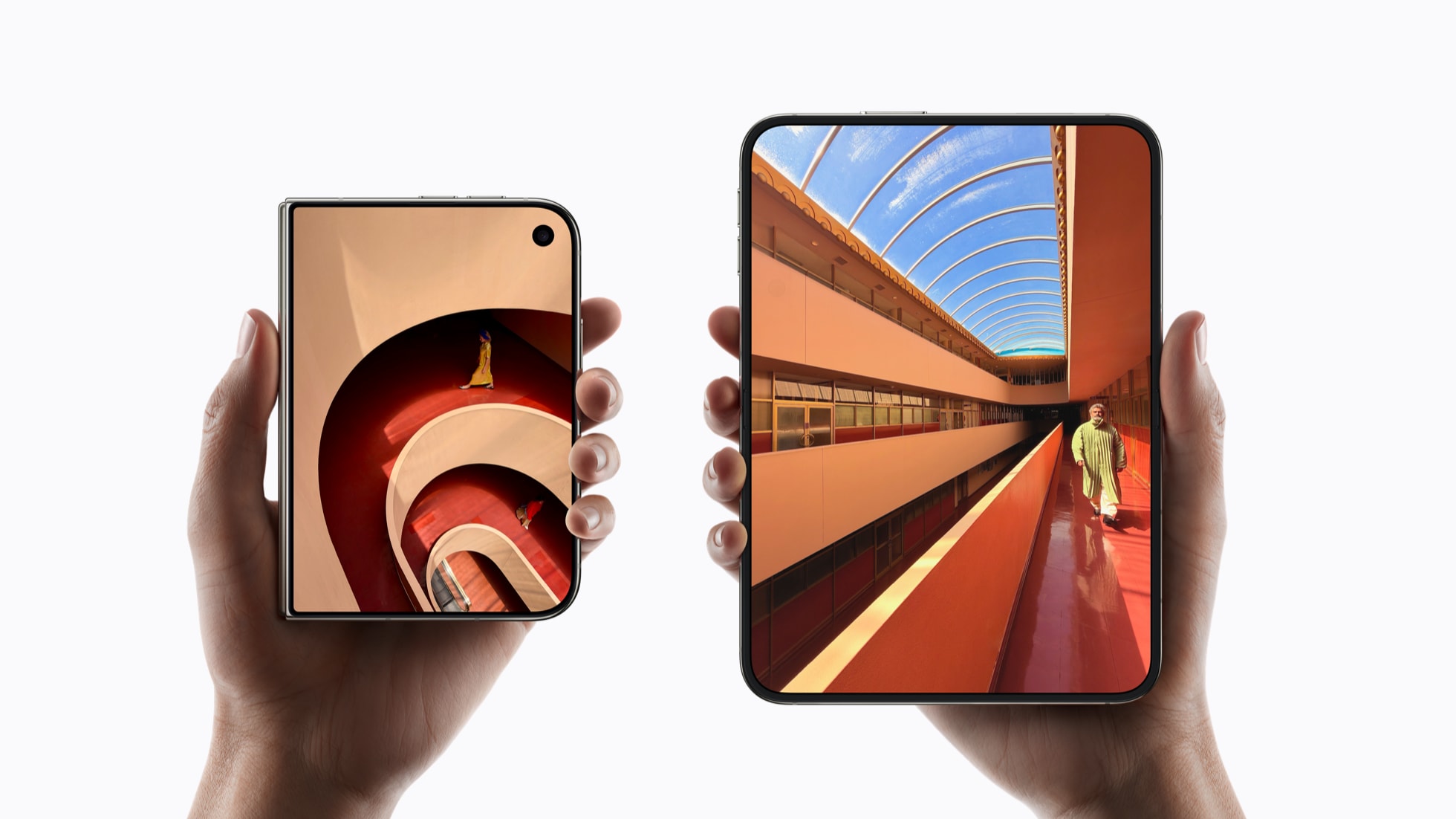
Image:
Apple
This could be the most useful change to the iPhone Duo since it launched. In the iOS 27.3 beta Apple sent out today, the Duo can recognise your face with the camera on its front screen, so when it's closed you can pick it up, look at it and carry on, much like an iPhone with Face ID. There's a second new option too, which locks the Duo as soon as you close it. Neither is out for everyone yet, but here's how they work, what they can't do and when you can expect them.
What's changed
The Duo doesn't have Face ID, so until now the only ways to unlock it have been Touch ID, which is built into the side button, or your passcode. iOS 27.3 beta 2, the second test version Apple has given app developers, adds a new option called Unlock with Front Camera in Settings › Touch ID & Passcode.
Setting it up will feel familiar if you've ever set up Face ID. You hold the phone up, fit your face in the frame and slowly turn your head left, right, up and down. Once it's on, the Duo unlocks when it sees you while it's closed, using the 12MP camera above the front screen. As 9to5Mac points out, it isn't Face ID, and Apple is careful not to call it that.
Why it isn't quite Face ID
Face ID uses extra sensors to map your face in 3D, which is a big part of why it's so hard to fool. The Duo's front camera is a normal camera that sees a flat picture, so Apple warns you during setup that unlocking this way isn't as secure as Touch ID or Face ID. It also says your face data stays on your iPhone, and that nobody, Apple included, can get to it.
Because of that, Apple has put some sensible limits on it, which MacRumors has spelled out:
- It only unlocks the phone. Apple Pay, your saved passwords and anything else that needs to know it's really you still need Touch ID or your passcode.
- It only works when the Duo is closed. Open it up and you'll use Touch ID or your passcode as normal.
- It needs a recent Touch ID or passcode. If you haven't used the phone for about 45 minutes, face unlock switches off until you use Touch ID or your passcode again.
What the early reports don't say yet is how well it copes in a dark room or with sunglasses on, so that's worth watching as more people try it.
The other new option: lock when closed
This one is smaller, but I think plenty of people will want it. At the moment, when you close the Duo, whatever you were doing carries straight over to the front screen, so you can pick up where you left off. iOS 27.3 adds an option in Settings › Display & Brightness that locks the Duo when you close it instead, much like a laptop when you shut the lid. If you'd rather your phone was locked the moment you put it away, that's the one to turn on, and I'll be turning it on myself.
Should you turn face unlock on?
I haven't tried it yet, because it's only in the developer beta, but from what Apple has shared, I think it's worth turning on for most people. Touch ID on the side button has been a bit mixed for me. Most of the time it's fine, but there are moments when it gets on my nerves, and just looking at the phone to get in is much nicer.
The limits are the reason I'm happy recommending it. The things that really matter, like paying for things and your passwords, still need your fingerprint or passcode, and face unlock switches itself off if the phone has been sitting unused for a while. If you'd rather not take any chances, leave it off and stick with Touch ID, which is still the more secure option. In my review I said the software, on the whole, needed refining, so it's good to see Apple getting on with it.
When can you get it?
Right now it's only in the developer beta, and Apple hasn't given a date for the full release. As I said when the first iOS 27.3 beta came out, December is the month to watch, because Apple's announcement for China says its Apple Intelligence features launch there when iOS 27.3 is released in December. Features in a beta can still change or be taken out before then, so it isn't guaranteed until it's here.
I wouldn't install the beta just for this. Betas are test versions, so they can be buggy and some of your apps might misbehave, and if your Duo is the phone you rely on every day, it isn't worth the risk for a few weeks' head start. When the full update arrives, it'll show up in Settings › General › Software Update, and the new options will be waiting in Touch ID & Passcode and Display & Brightness.
What about proper Face ID?
This part is a rumour, not something Apple has announced. Bloomberg's Mark Gurman reported over the weekend that Apple has built iPhone Duo 2 prototypes with Face ID on the front screen, and that it's the top priority for the next model, ahead of a telephoto camera and a thinner, lighter design, as 9to5Mac reported. He also says the timing is tight, and if it isn't ready for the Duo 2, which is expected next autumn, it could wait for the model after that in 2028.
So if you've got a Duo now, unlocking with the front camera is what you'll have for a while, and it looks like a sensible way to bridge the gap.
If you've got a question about your iPhone Duo or any of this, you can ask iHelp AI for free, or book a session, either remotely from anywhere in the UK or in person here in Dorset.
Alex
Get posts like this by email
Apple news, buying advice and tips, whenever I post something new.
Now and then, never spam. Unsubscribe any time. Privacy
Comments