
Lost or Stolen iPhone? The Steps to Take Straight Away, and What to Set Up Now
Published:
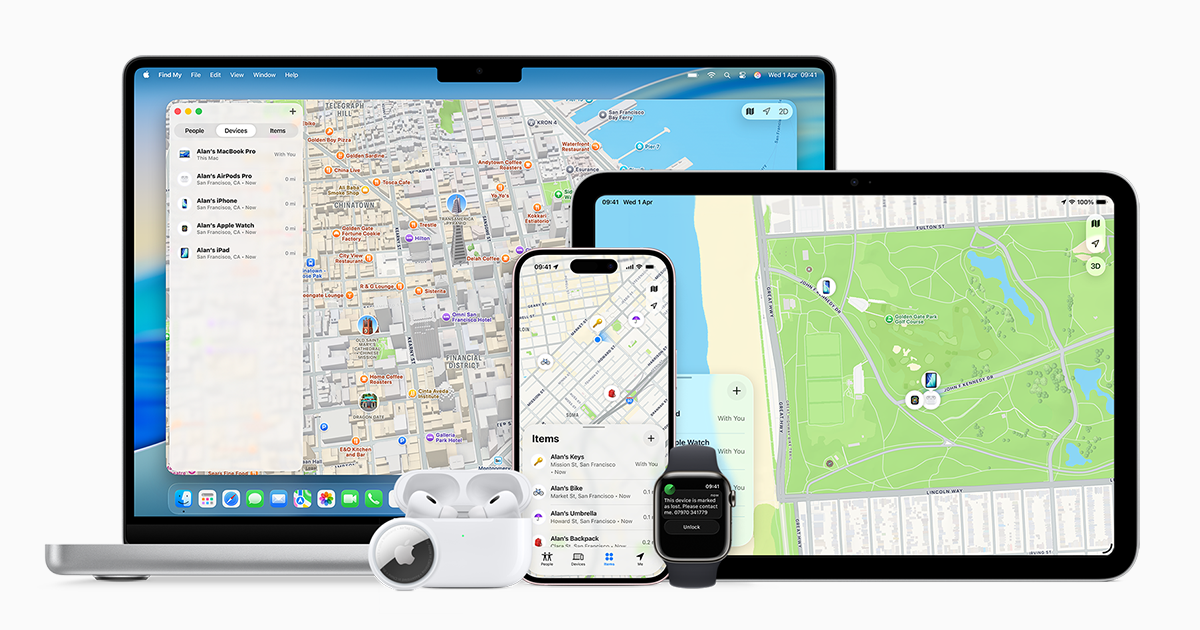
Image:
Apple
Losing your iPhone, or having it stolen, is one of those moments that makes your stomach drop, because so much of our lives now sits on that one little device. AppleInsider has been looking at what to do before a lost phone becomes a much bigger problem, and it's a subject I think every reader should know about before they ever need it. Acting quickly really does make a difference, so here's what I'd tell you to do, and a couple of things worth setting up today while all is well.
The first thing to do: use Find My from another device
If your iPhone goes missing, the very first thing I'd tell any customer is to get onto Find My through iCloud straight away, using another device. It doesn't need to be yours, so a friend's or family member's phone, tablet or computer will do, and you can even use one in a shop. Go to icloud.com/find, sign in with your Apple Account, and put your iPhone into Lost Mode.
Lost Mode locks your iPhone so that whoever has it can't simply get into it, and it lets you put a message on the screen, which brings me on to the hopeful part.
If someone finds it
Because a lost iPhone can show a message on its screen, you can add a note and a way to contact you, so if a kind person picks it up they know how to get it back to you. That's often how phones find their way home.
If you do arrange to collect it, please be careful. Always get it back somewhere safe and never go alone, so take a friend or family member with you. And never send money to get your phone back. If someone asks for payment, that's a big warning sign, so don't do it.
Tell your bank and your mobile network
This is the step people most often forget, and it matters just as much as Lost Mode. Contact your bank and your mobile network as soon as you can, again using another device, so they can keep an eye on your accounts and stop your SIM being used.
It helps to be prepared, because you'll likely need a form of ID and your account details so they can check it's really you. If you keep those somewhere safe at home (not just on your phone), you'll find this part much less stressful.
What to set up now, while all is well
The best time to protect yourself is before anything goes wrong, so there are two things I'd check today.
- Turn on Stolen Device Protection. I absolutely recommend this. It's a setting on your iPhone that adds extra security checks before someone can change important things, which makes life much harder for a thief. You'll find it in the Settings app, under Face ID & Passcode (or Touch ID & Passcode on iPhones with a Home button).
- Make sure iCloud Backup is on, and that you have enough iCloud storage. This is what keeps your photos, messages and other data safe if the worst happens. Your iPhone backs itself up every time it's connected to Wi-Fi and charging, so once it's set up you don't have to think about it, as long as there's room in your iCloud storage for the backup to finish. You can check by opening Settings, tapping your name at the top, then iCloud.
What I think
If you remember just one thing from this post, make it this: don't panic, and get to Find My on another device as quickly as you can and switch on Lost Mode. Then call your bank and mobile network. And if you take five minutes today to turn on Stolen Device Protection and check your iCloud Backup, you'll be in a far stronger position if your phone ever does go missing, because your data will be safe even if the phone itself isn't.
If you'd like a hand checking these settings, or you're not sure whether your iPhone is backing up properly, you can ask iHelp AI a quick question at any time, or book a session with us and we'll go through it together, either remotely anywhere in the UK or in person here in Dorset.
Alex