1Password Customers Warned About Phishing After a Data Breach. Here's What to Do
Published:
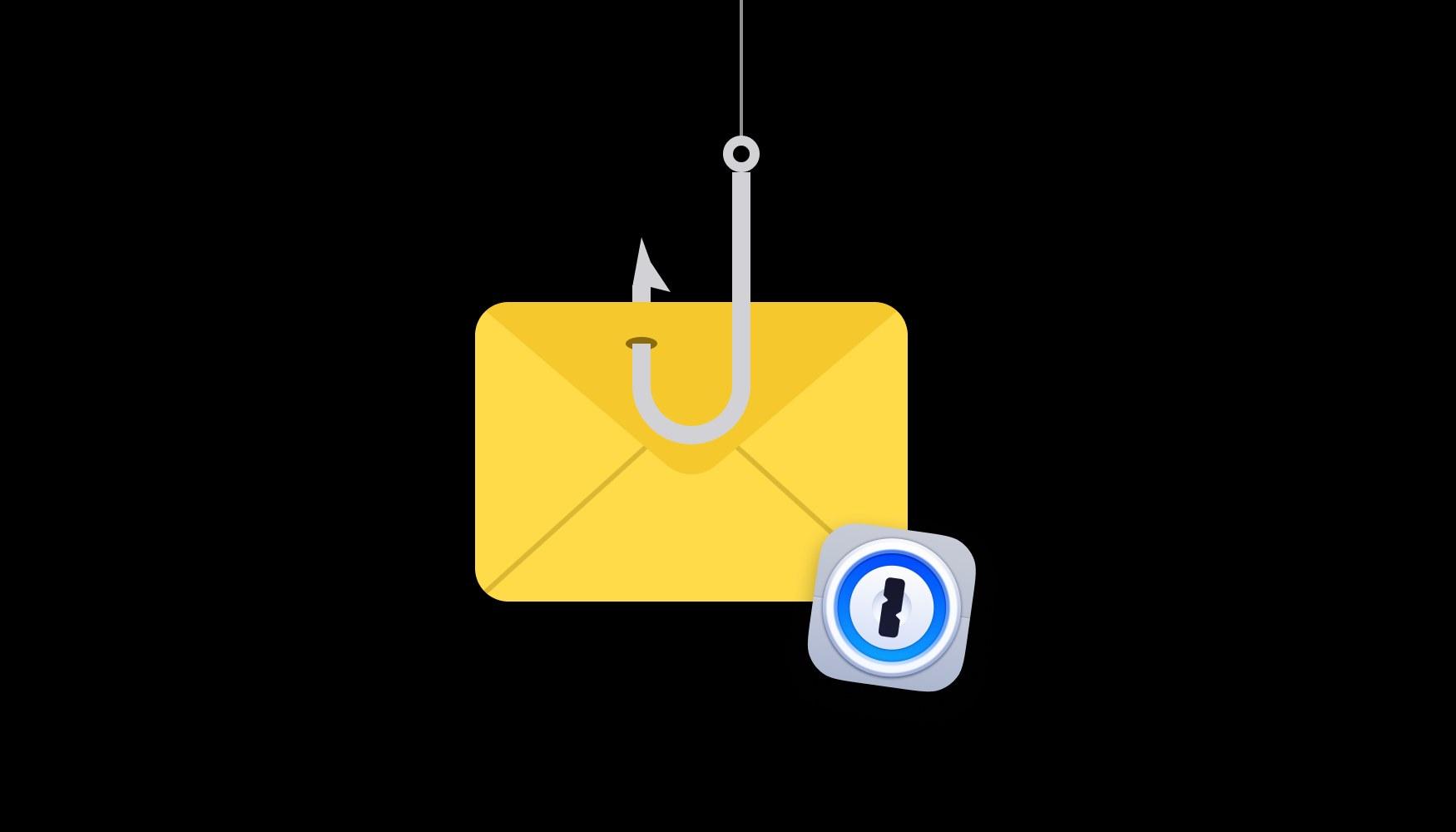
If you use 1Password to keep your passwords safe, you may have heard that the company has had a data breach, and customers are being warned to keep an eye out for phishing. The details involved are names and email addresses, which might not sound like much, but they're exactly what a scammer needs to make a fake email look like it really came from 1Password, so it's worth taking a few minutes to know what to look out for.
What's happened
AppleInsider reports that there has been a new data breach at 1Password, the popular password manager, and that customers' names and email addresses were among the details taken. A password manager is an app that remembers all your passwords for you, so you only need to remember one main password to unlock it.
The main warning for customers is about phishing, so that's what I'll focus on here. If 1Password publishes more details or any steps it wants customers to take, the safest place to read them is on 1Password's own website or in the app itself, rather than in an email that arrives out of the blue.
Why names and email addresses matter
Phishing is when a scammer sends you a message, or rings you, pretending to be a company you trust, in the hope that you'll click a link, type in a password or hand over other details. Most scam emails are easy to spot because they're vague and don't know who you are, but when a scammer has your real name and knows which service you use, the message can look very convincing indeed. An email that says "Dear Margaret, there's a problem with your 1Password account" feels far more believable than one addressed to "Dear customer", and that's exactly why this kind of breach is followed by a wave of fake messages.
What I'd tell anyone who uses 1Password
My advice is to be wary of any phone call or email from a company that gets in touch unexpectedly about your data, because it could well be an active phishing attempt. That goes for messages that claim to be from 1Password, and also for ones that claim to be from your bank, your email provider or anyone else, because scammers often use news like this as a way in.
How to tell a real email from a fake one
The most obvious giveaway is normally the sender's email address itself. On an iPhone or iPad you can tap the sender's name at the top of the email to see the full address, and on a Mac you can hover over or click the name. If it doesn't look like it comes from the company it claims to be from, that's a big warning sign.
I'll be clear, though, that sometimes even the email address can look quite convincing, so it isn't a foolproof test. If you're ever unsure, the best thing to do is not to use any link or phone number in the message at all. Instead, go to the company's website yourself, for example by typing 1password.com into your browser, and find a proper way of contacting them from there. If the message was real, you'll be able to sort it out that way, and if it wasn't, you've lost nothing.
- Don't click links in unexpected emails about your account or your data.
- Check the sender's address, but don't rely on it alone.
- Go to the website yourself and contact the company through it if you're worried.
- Be just as careful with phone calls, and hang up if someone rings unexpectedly about your data.
A sensible extra step
I think nowadays it's probably a smart decision to keep a copy of your most important passwords written down somewhere, just in case the digital versions of them are ever affected in any way. That means the handful you'd really need, rather than every password you've ever made, and of course it's worth keeping that piece of paper somewhere safe at home.
If you've had an email or a call that you're not sure about, or you'd just like a hand checking your passwords are in order, you can ask iHelp AI at /chat for a quick answer, or book a session and we'll go through it with you, either remotely anywhere in the UK or in person here in Dorset.
Alex
Get posts like this by email
Apple news, buying advice and tips, whenever I post something new.
Now and then, never spam. Unsubscribe any time. Privacy
Comments